Theory · For players
What the Explorer Shows You
A walk through one spot, panel by panel: what each number means and what to do with it.
The explorer answers one question over and over: in this exact spot, with this exact hand, what does the pool do? Everything on the screen is a different angle on that answer. This article goes through the panels in the order you will meet them, using a single flop spot as the running example.
Choosing a spot
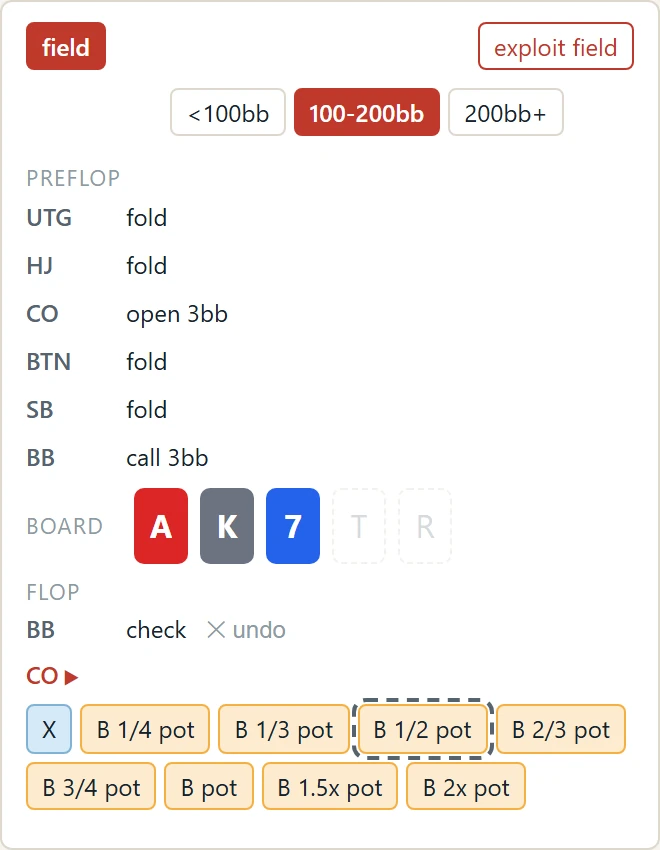
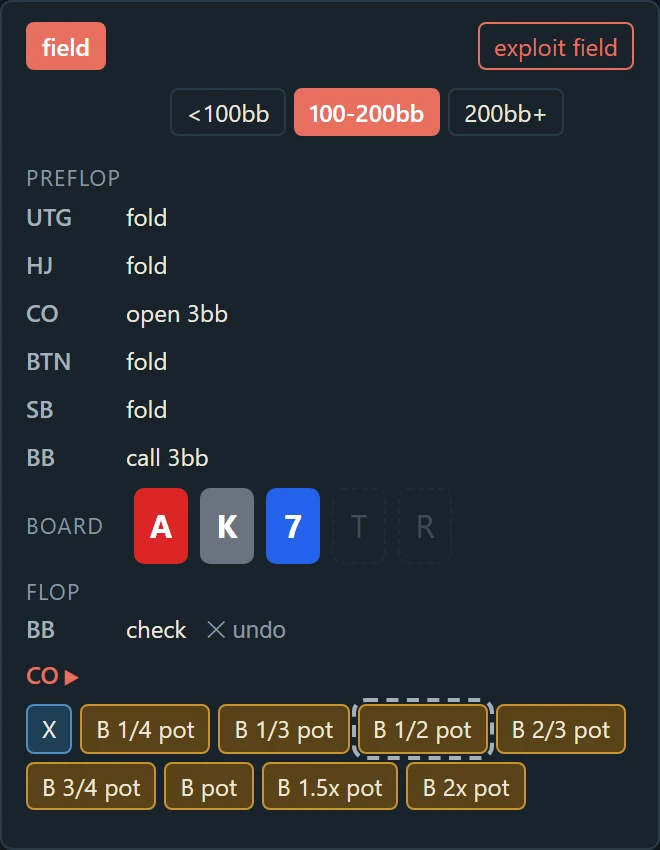
The left panel with the preflop actions filled in, the three flop cards set and the postflop options for the player to act. The same spot is written into the page address, so a link opens exactly this node.
A spot is a stack depth, a sequence of actions before the flop, a board, and a sequence of actions after it. You build it from the left panel: pick the stack bracket, then click through the preflop actions for each position, then set the board cards, then the postflop actions. At every step the chart on the right updates to show the range of whoever is next to act.
The example: a single raise before the flop, called from the big blind. The flop brings an ace, a king and a small card. The big blind acts first.
Every spot has an address. The stack, the line and the board are written into the page URL as you click, so you can bookmark a spot, send it to someone, or come back to it later. Opening the link opens the spot, not the front page.
The chart
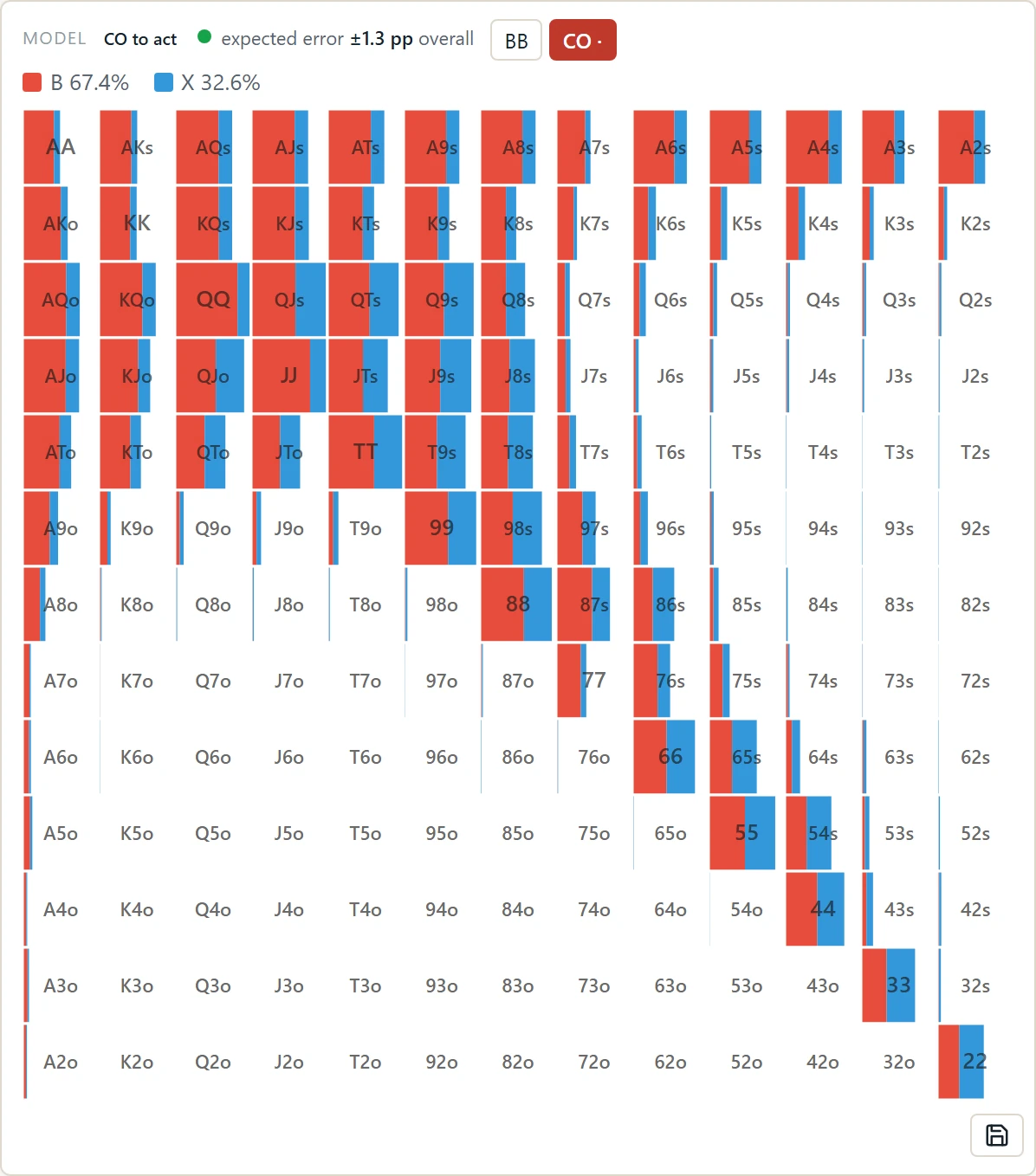
The chart for the example flop in field view, with the legend above it. Each cell is split by action, and the fill shows how often the pool takes each one with that hand.
The 13×13 grid is the range of the player to act. Each cell is one hand type: pairs on the diagonal, suited hands above it, offsuit below. Inside each cell the colors show how the pool splits its actions with that hand: how often it checks, bets, calls, raises or folds. The legend above the chart gives the totals for the whole range.
How much of each cell is filled tells you how much of that hand actually reaches this spot. A hand the pool almost never takes to the flop this way shows as a thin sliver; a hand it always brings shows full. This matters when reading the colors: a cell that is mostly one action but barely filled is a hand the pool rarely has here, not a hand it plays with confidence.
Above the chart you can switch whose range is shown. By default it is the player to act. Pick another player to see the range they brought into this spot, or the range they have after their last action.
Sizing and hand strength
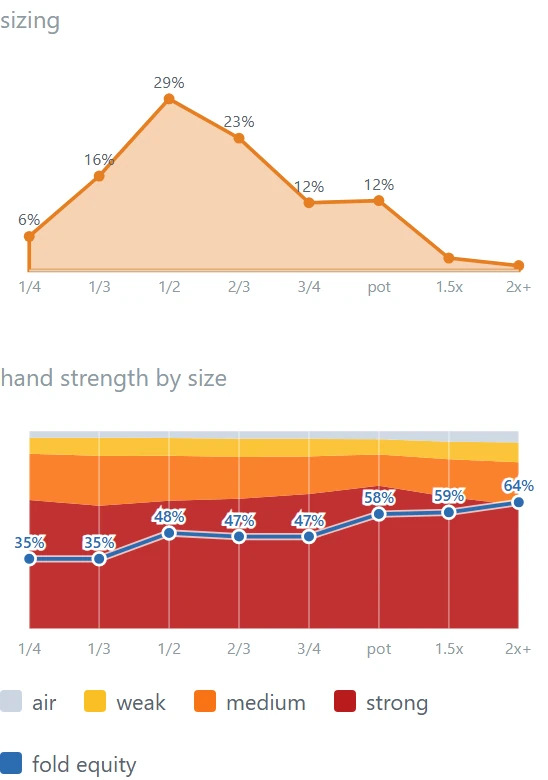
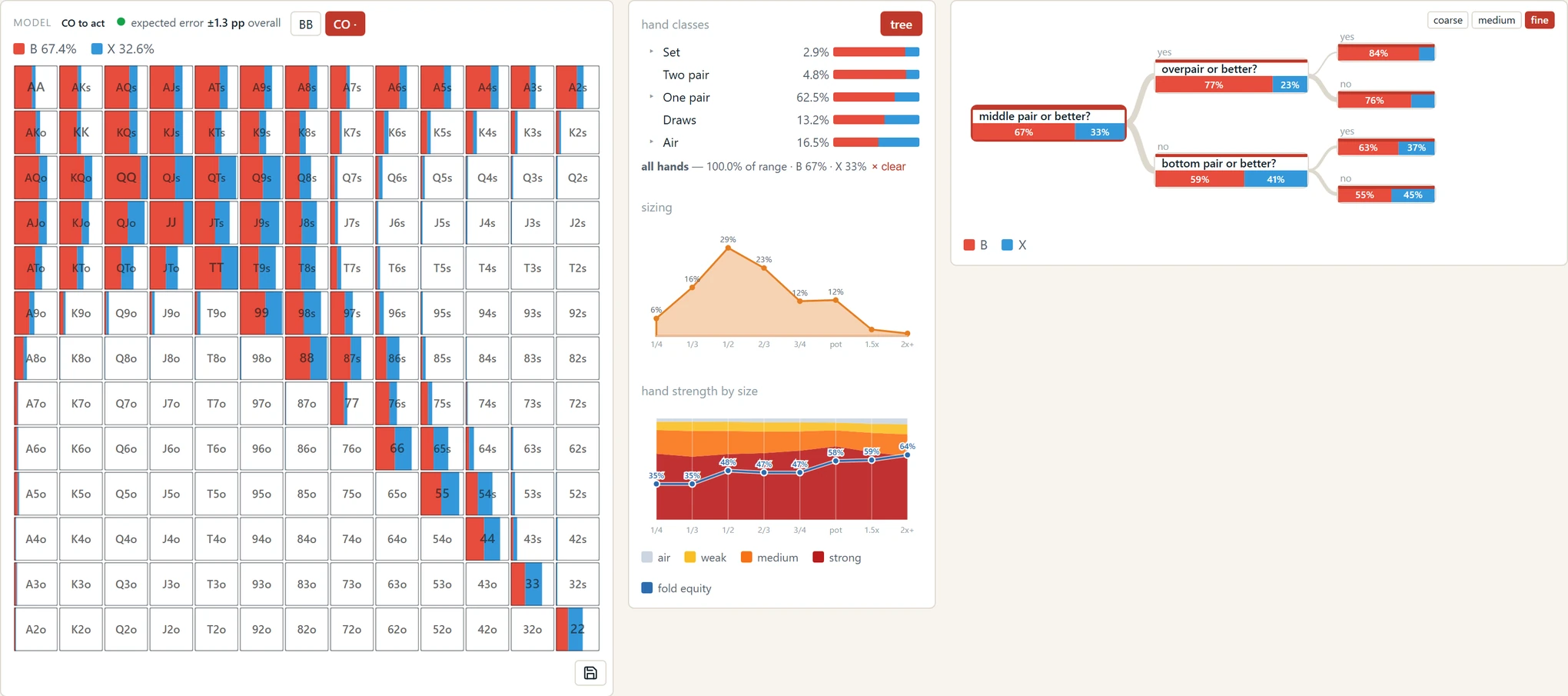
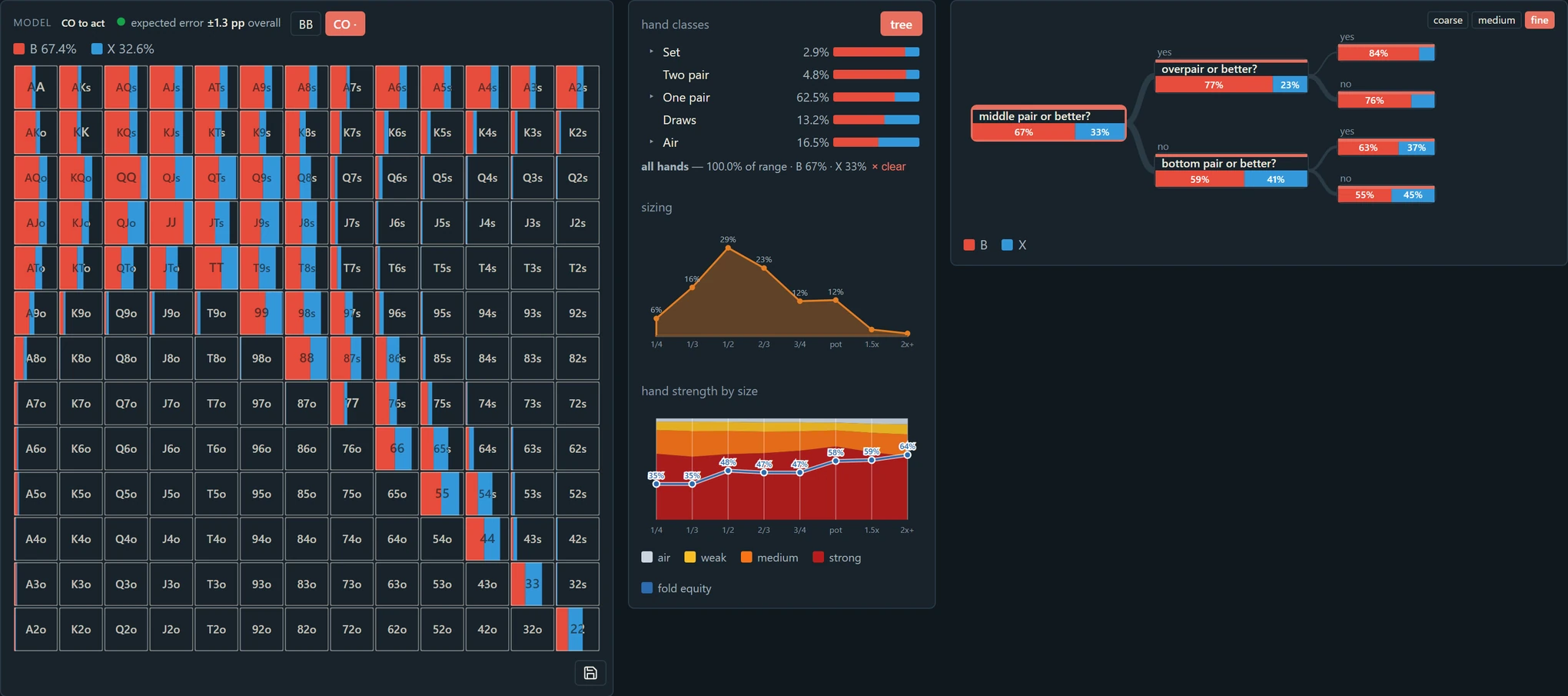
The sizing and hand-strength panels for the example spot. One bet size is clearly more common than the others, and the strength mix changes with the size.
When the action includes a bet, the right column shows how the pool sizes it. The sizing panel is the distribution of bet sizes as a fraction of the pot: how often the pool bets a third, a half, three quarters, full pot and so on. Hover a cell in the chart and the panel narrows to that hand, so you can see whether the pool sizes up with strong hands and down with weak ones, or bets the same way with everything.
Below it, the hand-strength panel turns the question around: for each bet size, what mix of hands is behind it? The bars are stacked by strength class, from air at the top to strong made hands at the bottom. A pool that bets big with a polarized mix and small with a merged one shows it here at a glance.
Hand classes and the decision tree
The right panel lists hand classes for this board: sets, two pair, top pair, draws, air, and finer divisions inside each. Next to each class is its share of the range and a bar showing how the pool plays it. Click a class and the chart dims everything else, so you can see where those hands sit and what they do. Click a second class to add it, or clear the filter to return.
The tree button turns the same information into a decision tree. Starting from the whole range, it splits by the hand properties that most separate one action from another in this spot: does the hand have a flush draw, is it a pair or better, does it have backdoor equity, and so on. Each leaf is a group of hands that the pool treats alike, with the action split shown. Clicking a node in the tree filters the chart to that group, and clicking a class in the table highlights the matching nodes in the tree.
The tree is the answer to "why does this hand fold while that one calls?" It is not a rule to memorize. It is a picture of which features of a hand the pool actually responds to on this board, and which ones it ignores.
The exploit button
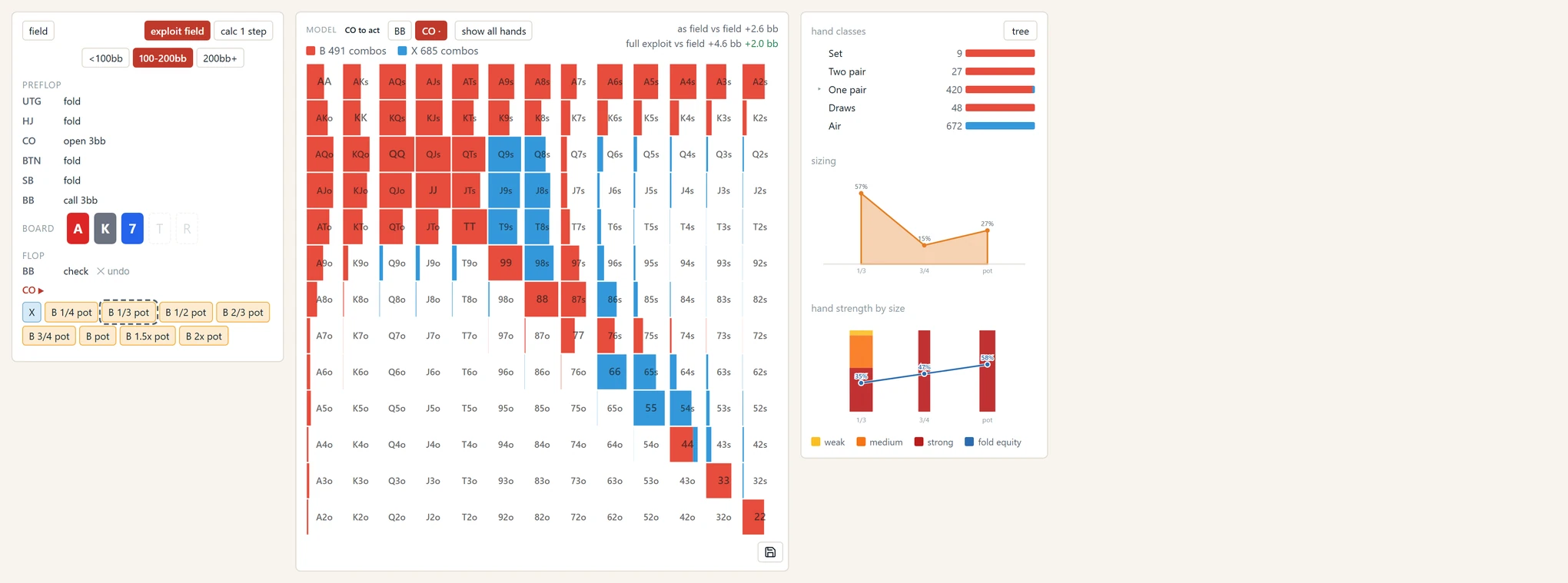
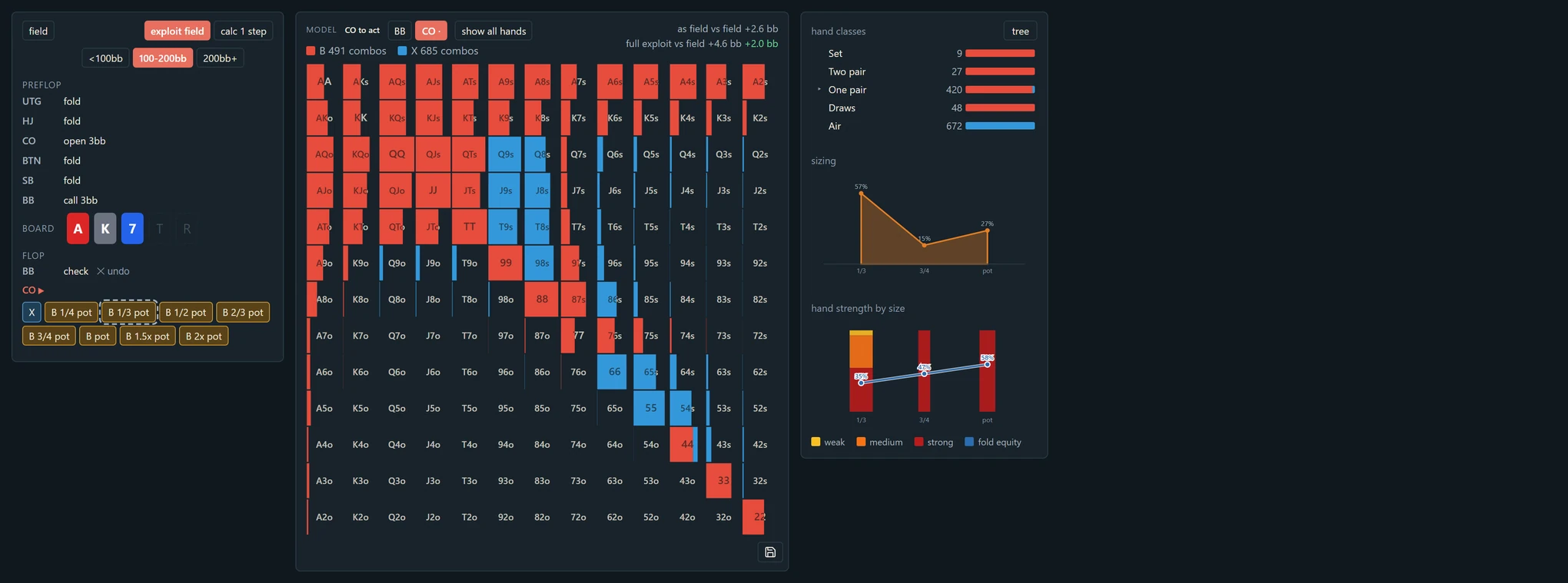
At the top right of the left panel is exploit field. It appears in any postflop spot where you are the player to act. Press it and the model computes the best response to the pool for every hand you could hold: the action with the highest expected value against the field as it actually plays.
The button tells you what it is doing. Before the calculation it shows a rough time estimate. While it runs you see a counter, and if someone else's calculation is ahead of yours, your place in the queue. When it finishes, the button lights up; press it again to switch the chart into exploit view, and once more to return to the field.
In exploit view the chart looks the same but means something different. Each cell now shows the action the model recommends with that hand, not the action the pool takes. The sizing panel shows the recommended sizes. Above the chart, two comparison lines appear. As field vs field is what the spot is worth, in big blinds, if you play it the way the pool plays it. Full exploit vs field is what the best response makes, and next to it, in green, how much more that is. That green number is what the exploit is worth, against this model, in this spot, measured from where the field already stands.
One toggle to know about: show all hands. By default the cells in exploit view are filled the same way as in field view, by how much of each hand reaches the spot. Turn the toggle on and every cell fills completely, because in the exploit what matters is the hand you hold, not how often the pool holds it. When it is on, each cell also carries a small label with the best action's value.
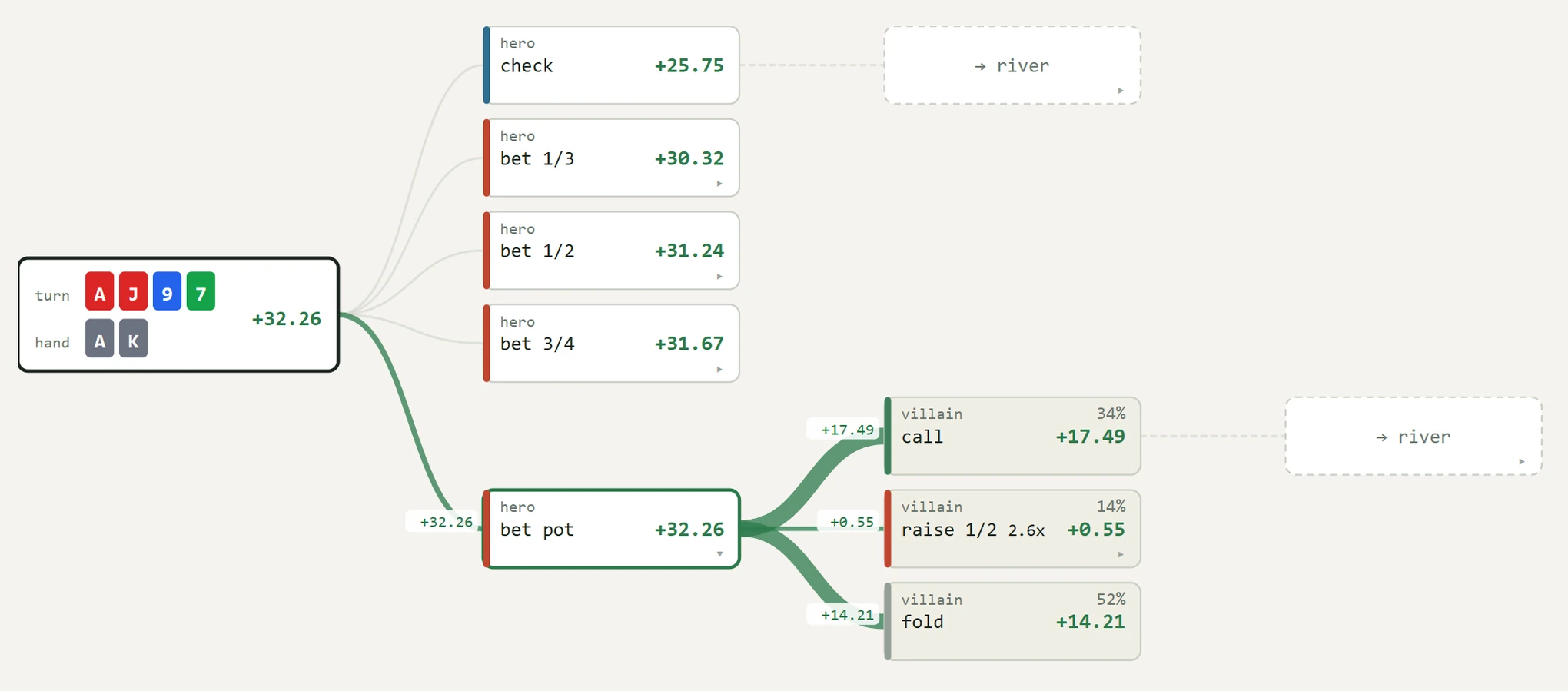
The EV tree for one hand
Below the chart, in exploit view, is a list of the individual combos in the range. Click one and a button appears: EV tree for that hand. It opens a report in a new tab showing where that hand's value comes from.
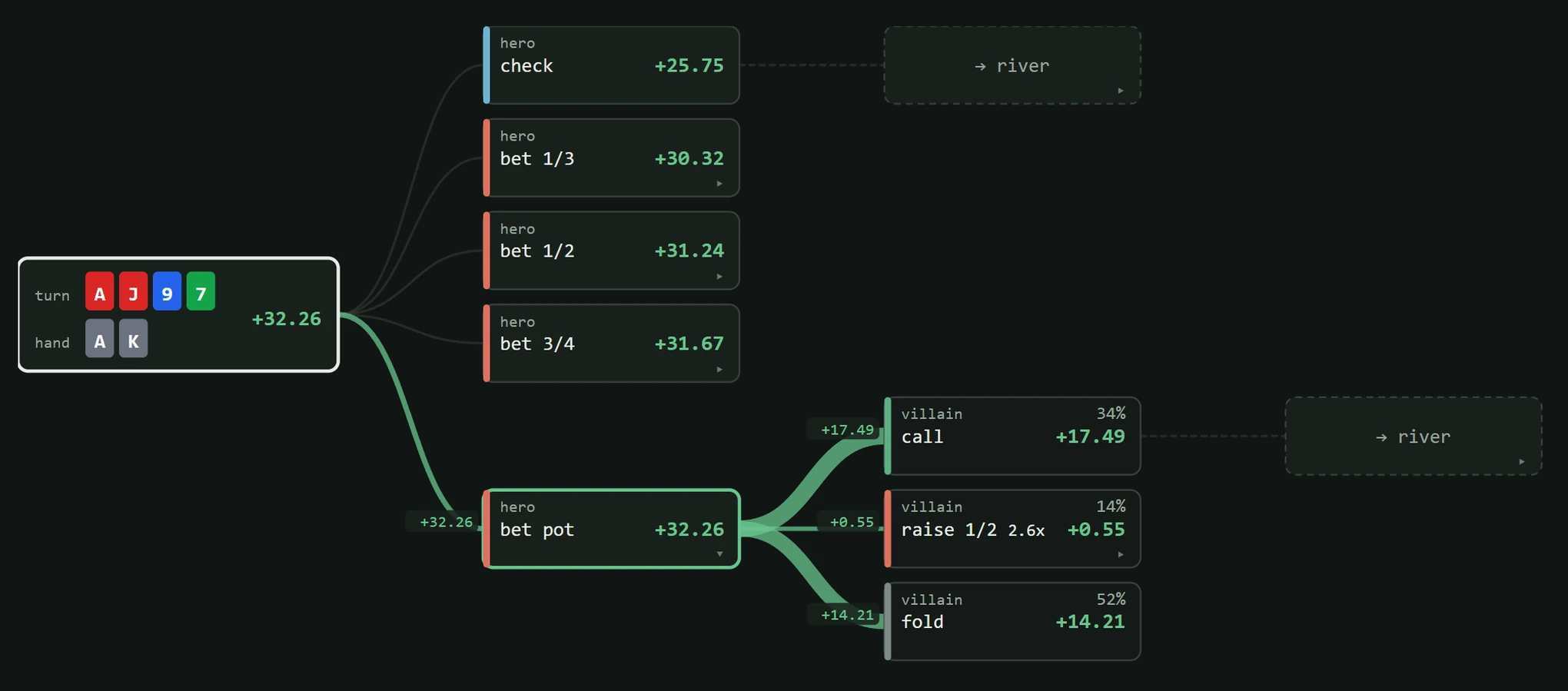
The report is a tree. At the root are your options in the spot; under each option, the pool's responses with how often each happens and how much each contributes to the total. Below the tree is a grid of turn cards, colored by whether each card helps or hurts the hand. Click a card and you move to that turn spot, with the same hand, and the tree continues from there.
This is the panel to open when a number in the chart surprises you. The chart says the exploit bets a hand you would have checked; the tree shows you which responses from the pool make the bet worth more than the check, and by how much.